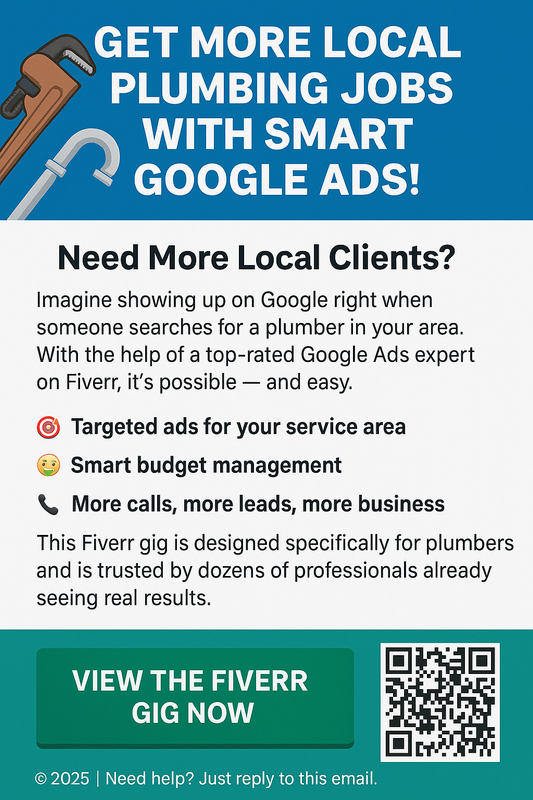
Get More Clients with Google Ads | HerSuppps
- Get link
- X
- Other Apps
Get More Clients with Google Ads: The Complete Guide
In today's hyper-competitive digital landscape, reaching the right audience with the right message is critical. Google Ads—formerly known as Google AdWords—offers one of the most powerful and targeted online advertising platforms available. Whether you're a local business, an online entrepreneur, or a service provider, Google Ads can help you attract high-intent customers ready to convert.
Why Google Ads is So Effective
Google Ads taps into the world’s largest search engine, allowing you to appear right when potential customers are looking for solutions like yours. Unlike social media ads that rely on interruption, Google Ads captures demand—people are already searching for what you offer. This makes Google Ads one of the highest-converting ad platforms for both B2B and B2C companies.
Step-by-Step: How to Use Google Ads to Get More Clients
- Define Your Ideal Customer
Start by identifying the characteristics of your best client. What are their needs? What keywords might they be searching for? Understanding this allows you to tailor your message and targeting accurately. - Do Keyword Research
Use Google’s Keyword Planner or tools like Ubersuggest to find relevant keywords. Focus on keywords with commercial intent like “buy,” “hire,” “near me,” or “services.” Long-tail keywords tend to be cheaper and more targeted. - Write a Compelling Ad
Your ad copy needs to address pain points and offer a clear solution. Include a strong call to action (CTA) like “Book a Free Consultation” or “Start Now.” Use ad extensions to include phone numbers, links, or promotions. - Set Your Budget and Bids
Start small and optimize over time. Use “Maximize conversions” bidding if you want AI to find the best leads. Manual CPC gives you more control but requires monitoring. - Create a Landing Page That Converts
Direct users to a dedicated page—not your homepage—that matches the ad message. Include testimonials, benefits, clear CTA, and fast-loading speed. - Track Results and Optimize
Use Google Ads + Google Analytics to track performance. Monitor conversion rates, click-through rates (CTR), and quality scores. Pause low-performing keywords and double down on what’s working.
Common Mistakes to Avoid
- Sending traffic to a poorly optimized homepage
- Ignoring negative keywords (e.g., "free", "cheap")
- Not using location targeting
- Overcomplicating campaigns without data
Who Should Use Google Ads?
Google Ads is perfect for businesses in competitive niches like:
- Local services (plumbers, dentists, lawyers)
- Online coaching or consulting
- eCommerce stores
- SaaS and digital products
Should You Hire a Google Ads Expert?
If you're struggling with setup or not getting results, hiring a professional can help. Look for certified Google Ads specialists who offer campaign audits or full management. They can optimize your ROI and cut wasted ad spend.
Conclusion
Google Ads is not a "set-it-and-forget-it" platform. But when used strategically, it can unlock a steady stream of qualified leads and clients for your business. With the right keywords, landing pages, and testing, you’ll scale your brand profitably and sustainably.
- Get link
- X
- Other Apps
Comments
Post a Comment